HEIC vs JPG: which is better?
iPhones save photos as HEIC, but most of the world still expects JPG. Here is how they differ and when you should convert.
Updated 24 November 2026
- HEIC to JPGOpen iPhone photos anywhere.
- HEIC to PNGLossless copies of iPhone photos.
- HEIC converter for WindowsOpen iPhone photos on a PC.
The short answer
HEIC is better for storing photos: it keeps similar quality in about half the space. JPG is better for sharing: every phone, computer, website, printer and upload form accepts it. Keep HEIC on your iPhone and convert copies to JPG when you need to share them.
Side by side
- Size: a 12-megapixel iPhone photo is often 1–2 MB as HEIC and 2–4 MB as JPG.
- Compatibility: HEIC opens on Apple devices and recent Android phones; Windows needs paid extensions; many websites reject it. JPG works everywhere.
- Features: HEIC can hold Live Photos, depth information for Portrait mode and 10-bit colour. JPG holds a single 8-bit image.
- Editing: both lose a little detail each time they are saved with compression. For repeated editing, convert to PNG.
When to convert to JPG
- Uploading to job portals, government forms, marketplaces or older websites.
- Sending photos to someone with a Windows PC.
- Printing at a photo shop or kiosk.
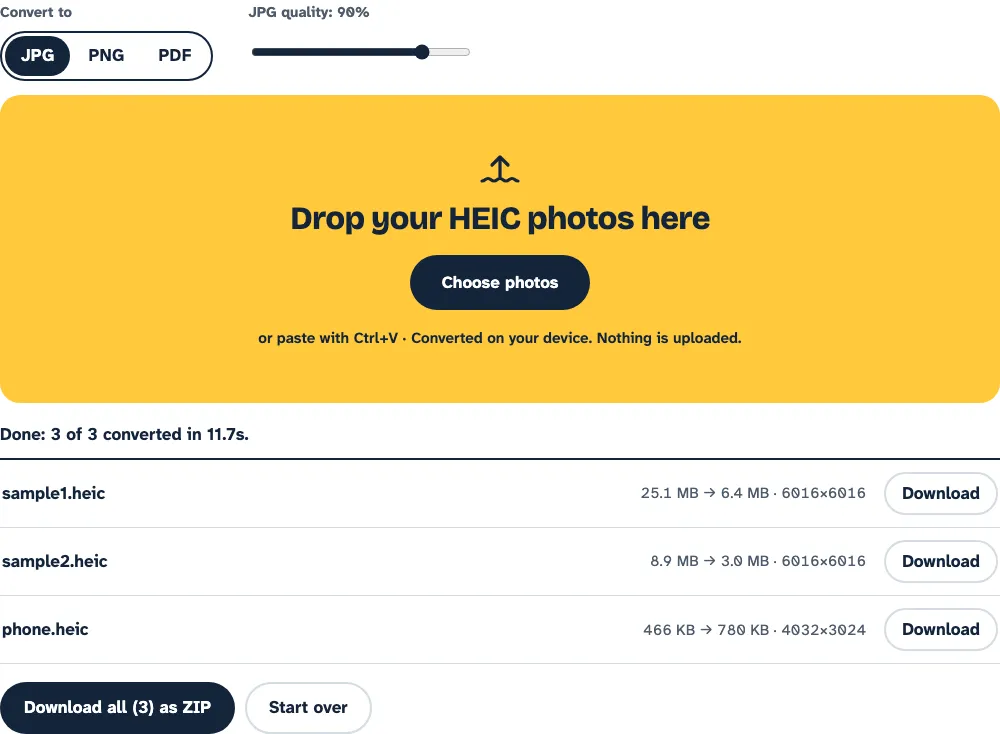
Convert in seconds with HEIC to JPG. It runs in your browser, so your photos are not uploaded.
Stop your iPhone saving HEIC
Go to Settings → Camera → Formats and choose Most Compatible. New photos are then saved as JPG, using more storage.